Web Development
Website Hosting Selection: Performance, Backups and Total Cost
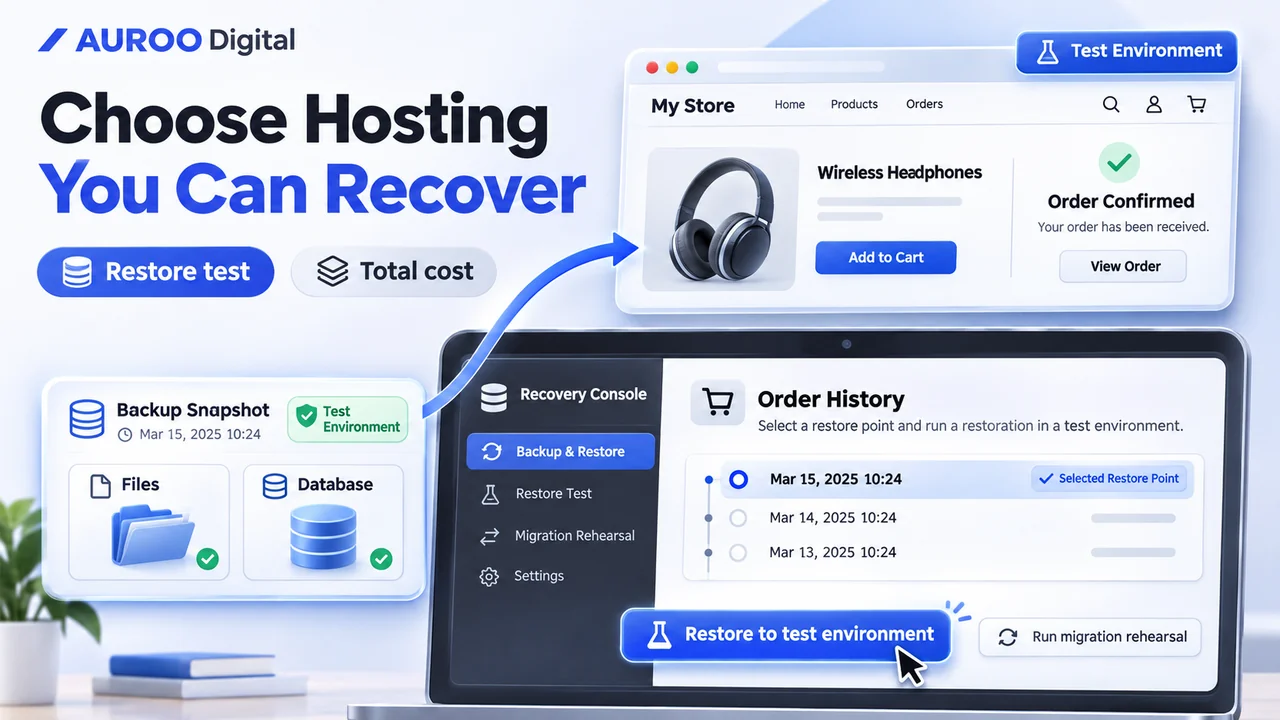
Choose hosting around visitor locations, application needs, peak load and maintenance responsibilities. Test loading and dynamic actions through real visitor paths, verify recovery from backups and compare long-term total cost. Data-center location and advertised specifications alone do not establish the user experience.
To apply the approach to your website or marketing project, explore AUROO Digital’s website development and landing page optimization, with scope, deliverables and review methods agreed around your needs.
For managers of corporate websites, content sites, and ecommerce platforms, this article provides a complete server selection method from requirements gathering to launch acceptance. Provider plans evolve, so rather than relying on brand rankings without consistent benchmarks, it establishes a standardized assessment framework for obtaining comparable, objectively verifiable evidence under equivalent conditions.
1. List business requirements before reviewing plans
Before requesting quotations, document primary visitor regions, website software, monthly visits, peak concurrency, the proportion of dynamic requests, database size, and peak business periods. Two sites with similar monthly traffic may impose entirely different resource demands if one mainly serves cached articles while the other checks inventory in real time.
Also clarify internal maintenance capacity. Teams without server administrators may be better suited to managed services; businesses with development and operations teams and specialized environment needs can more readily benefit from a dedicated environment’s control. Specifying “who handles updates, backups, and incidents” is more useful than comparing CPU counts alone.
2. Understand responsibility boundaries across four common architectures
Shared hosting suits light workloads, limited budgets, and standard requirements, but resource limits and competition from other sites on the server need checking. A VPS provides relatively independent resources and greater control while often increasing system maintenance responsibilities. Cloud servers make it easy to combine networking, storage, and elastic resources, but flexibility does not automatically save money.
Managed WordPress packages application maintenance, caching, or backups for teams seeking less daily administration; confirm each included service individually. Dedicated servers suit businesses with a clear need for exclusive hardware or particular deployment conditions. A higher price does not automatically mean better speed.
| Plan | Best suited to | Must confirm before purchase |
|---|---|---|
| Shared hosting | Small brochure websites and lightweight content sites | Resource limits, backups, and renewal pricing |
| VPS or cloud server | Custom environments or elastic resources | Operations responsibilities, scaling, and traffic charges |
| Managed WordPress | Reducing application maintenance work | Plugin restrictions, support scope, and recovery services |
| Dedicated server | Exclusive resources or specialized architecture | Hardware failure handling and redundancy |
3. Test real visitor access paths
For visitor-facing services, regional and nearby nodes can be shortlisted, but do not decide solely by the data center’s city. Routes between networks in the same city can have different latency; even with static resources on a CDN, dynamic origin APIs may still limit page speed.
If serving both mainland China and overseas users, separately test access, DNS resolution, third-party resources, and payment workflows from major user regions. An offshore node does not automatically solve every cross-border access problem. Before purchasing, ask providers to explain applicable conditions and support scope for local deployment and related requirements.
Tests should cover home, article, category, product, and form pages using the same version, identical images, and similar caching conditions. Examine cache hits and misses, logged-in and logged-out users, single visits, and peak concurrency separately rather than judging performance from one homepage screenshot.
4. Connect performance metrics to business outcomes
Server evaluation can consider response times, error rates, and latency under concurrency; user experience should be assessed through LCP, INP, and CLS. Google’s Core Web Vitals documentation provides measurement methods, but a high score in one laboratory test does not mean all real visitors enjoy a good experience.[1][2]
If cached pages return quickly but interaction remains slow, further server upgrades may offer little benefit. Investigate theme scripts, third-party plugins, and frontend execution. Conversely, if dynamic checkout errors increase at peak times, compressing images alone will not resolve database or backend bottlenecks.
Businesses should also monitor form success, checkout success, and peak-period incidents rather than treating a performance score as a guarantee of rankings or revenue. Record time, region, device, and load conditions during tests to determine whether improvements actually result from server changes.
5. Compare three-year total costs to avoid misleading low prices
Total cost of ownership includes initial purchase, renewal, domains, backups, security, CDN, email, migration, technical labor, and potential downtime losses. Advertised low prices may require several years of prepayment, and renewal pricing may differ. Convert every plan to the same currency, duration, and tax basis.
For example, Plan A costs HK$2400 annually plus HK$1200 for backup and maintenance; Plan B costs HK$3300 annually and includes the same service scope. Ignoring maintenance would make Plan A look cheaper. This is only a calculation example, not a market quotation; verify each actual item against the contract.
Quotation forms should separately list resource overages, backup restoration, outbound migration, support upgrades, and peak campaign scaling charges. “Unlimited traffic” may still be subject to fair use or CPU restrictions and cannot justify promises of unlimited capacity.
6. Recoverability matters more than backup frequency
Confirm backup locations, retention periods, restoration granularity, and responsibility for recovery. Backed-up website files do not mean database orders can be restored completely to the same point in time. Backups in the same failure domain as the main site may be affected simultaneously.
Define RPO and RTO in business terms: the former is how much recent data loss is acceptable, and the latter is how much downtime is tolerable. A store adding many orders daily clearly needs a different recovery strategy from a brochure site updated once a month.
Run at least one recovery exercise in a test environment, checking images, links, forms, orders, and permissions. Also review multifactor authentication, account privileges, update mechanisms, and incident escalation channels. Check SLA measurement definitions, exclusions, and compensation formats; service credits do not mean full compensation for business losses.
7. Use a procurement process that can be reviewed
First establish mandatory requirements, such as support for a specified system version, exportable complete backups, and compatibility with payment workflows. Among qualifying plans, assign weights to performance, reliability, support, and cost according to your business. Template weights are not industry standards.
Next, validate the same website with two or three providers, recording test conditions and defects. Then rehearse backup and outbound migration to confirm tools or contracts do not lock in the data. Finally, agree on clearly defined service responsibilities and schedule migration and rollback windows.
An internal plan may include roughly a week of post-launch baseline monitoring, but the monitoring period should cover actual peaks. Payment failures, inconsistent data, or widespread access problems should trigger predefined escalation rather than wait for a monthly report.
Frequently asked questions
Select a question to view the answer and make a more informed decision.
Can free servers be used?
They can support learning or noncritical trials. Commercial suitability depends on restrictions, data export, support, and recovery conditions; being free alone does not establish that a service is unsafe.
Does a CDN remove the need for a good server?
A CDN mainly improves distribution of cacheable content. It cannot fully replace dynamic computation, databases, or business system stability.
Will a more expensive server definitely improve SEO?
There is no guarantee. Servers affect only part of site experience and availability; content relevance, technical crawlability, and competition also matter.
References
[1] Google Core Web Vitals and search results