Web Development
B2B Website Launch Checklist: From Pages to Inquiry Forms
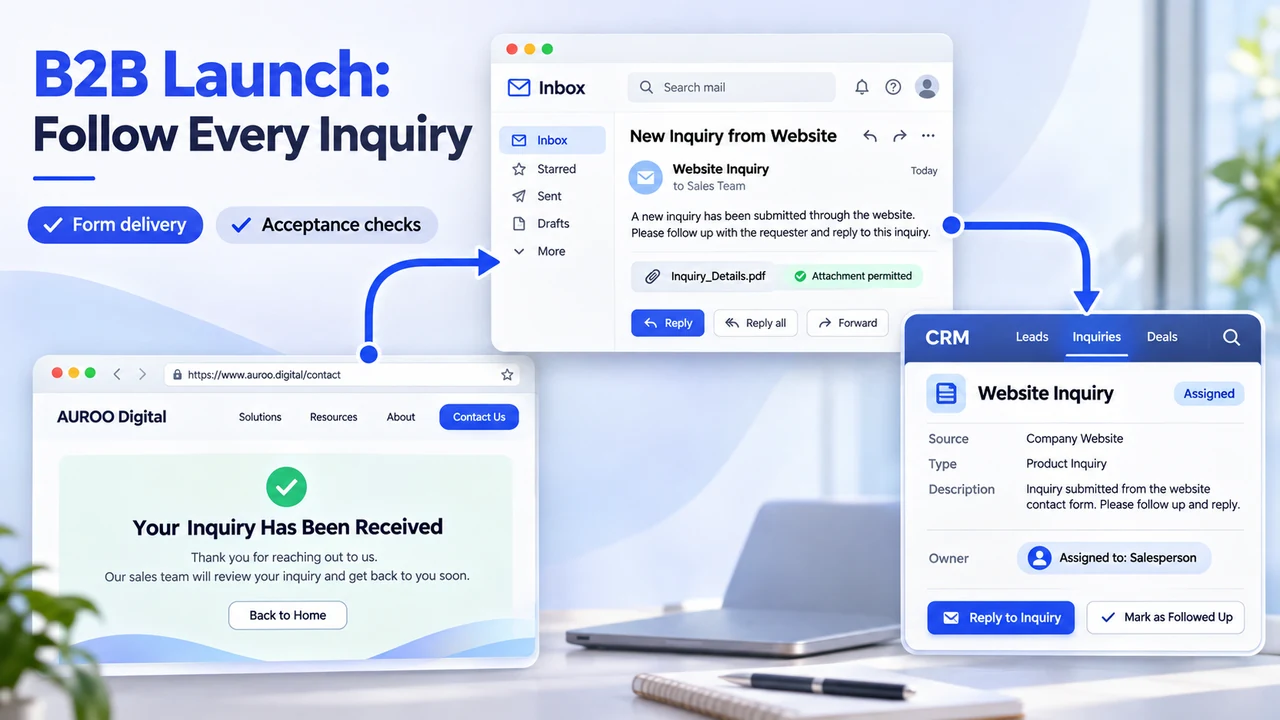
A website that loads is not necessarily ready to generate useful inquiries. B2B launch acceptance should verify that buyers understand the offer, find a next step and submit a requirement that reaches the responsible team. Replace a visual approval alone with repeatable customer tasks and documented results.
1. Agree on scope, owners and acceptance criteria
Inventory the homepage, category, product, application, company, contact and article templates, along with priority markets and languages. Each check needs an environment, URL, procedure, expected result, actual result, owner and retest date. Treat broken inquiry or core access paths as blockers. Schedule less critical spacing or copy improvements separately. A screenshot is useful evidence, but the procedure must be repeatable.
2. Ask a new visitor to complete a buying journey
Have someone outside the build team find a relevant product, specifications, delivery coverage and a contact route. Check consistency across titles, navigation, units, files and company details. On a real phone, use menus, downloads and inquiry buttons. Confirm that popups, chat widgets and sticky navigation do not cover essential controls. A desktop screenshot does not demonstrate that a mobile visitor can complete the task.
3. Check indexing, links and language relationships
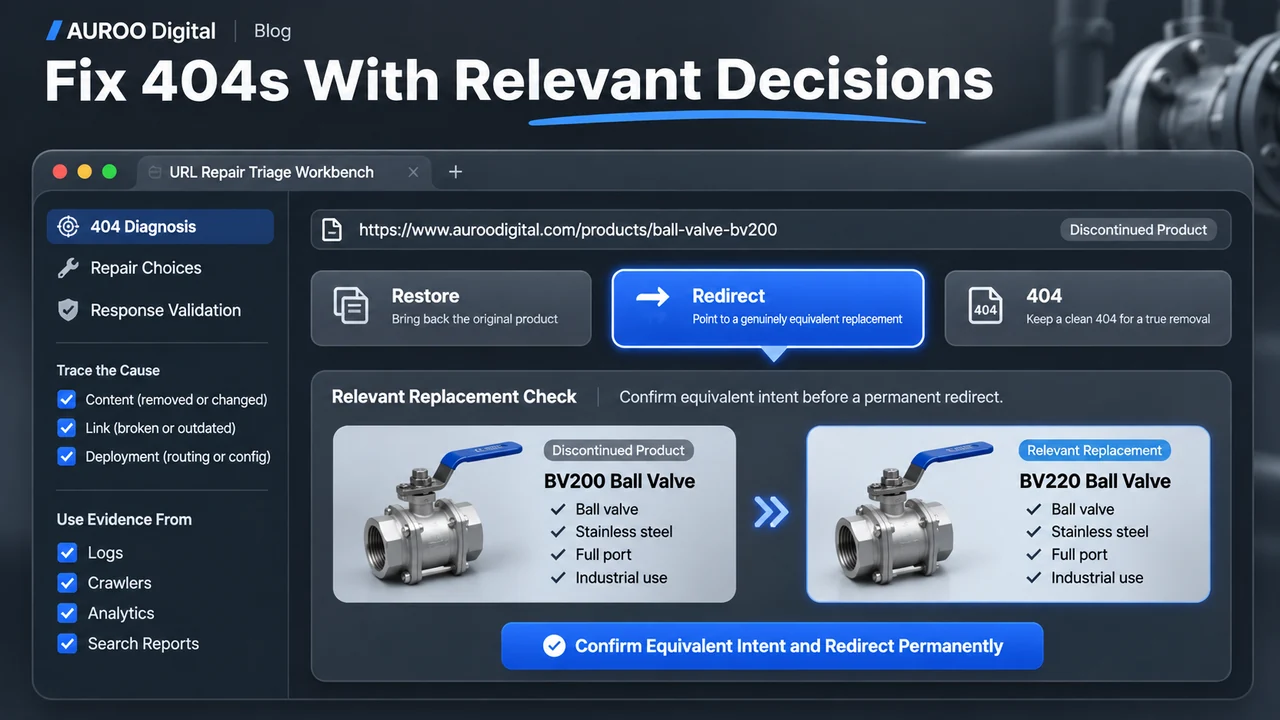
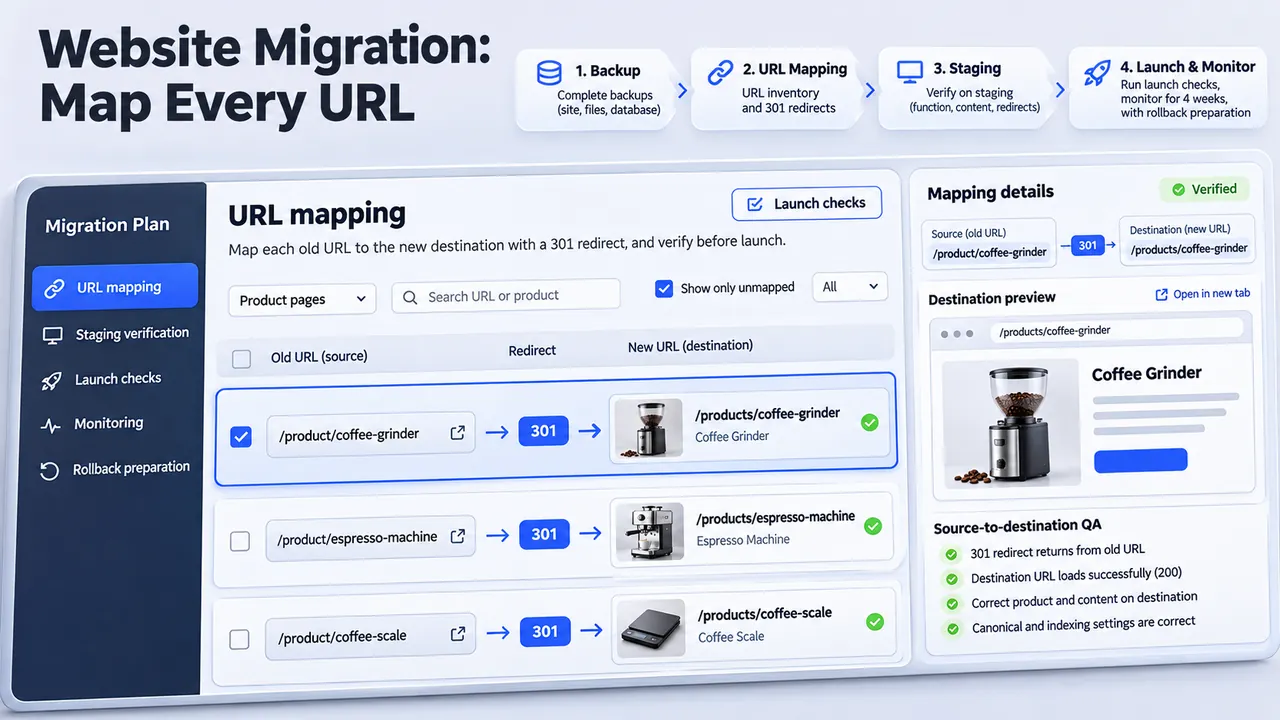
Review important URLs, response behavior, crawl and index directives, canonical URLs and sitemaps. Where old URLs exist, map necessary redirects to genuinely corresponding content and test the 404 experience. Each language version needs a stable URL and a relevant language-switch destination. Hreflang and canonical serve different purposes; do not indiscriminately point translated pages to the Chinese homepage. A new page not yet indexed requires diagnosis rather than an immediate assumption that settings are wrong.
4. Measure performance and test real tasks
Use tools such as PageSpeed Insights on representative templates, recording conditions and the location of each issue. Core Web Vitals cover loading, interaction and visual stability. Field data and laboratory tests answer different questions. A new site may lack sufficient field samples, so use lab tests to investigate problems and monitor real usage as it develops. One perfect score does not guarantee a good buying journey, and essential product information should not be removed merely to improve a score.
5. Follow a submission until sales receives it
Test desktop and mobile, missing required fields, invalid formats, success behavior and appropriate spam protection. Verify confirmation messages, email delivery, CRM entries, attachment permissions and the reply route. Use controlled test details rather than real customer information in public screenshots. Messages going to spam, a missing confirmation or an unassigned owner are operational failures even if a dashboard reports a submission.
6. Verify measurement, recovery and monitoring
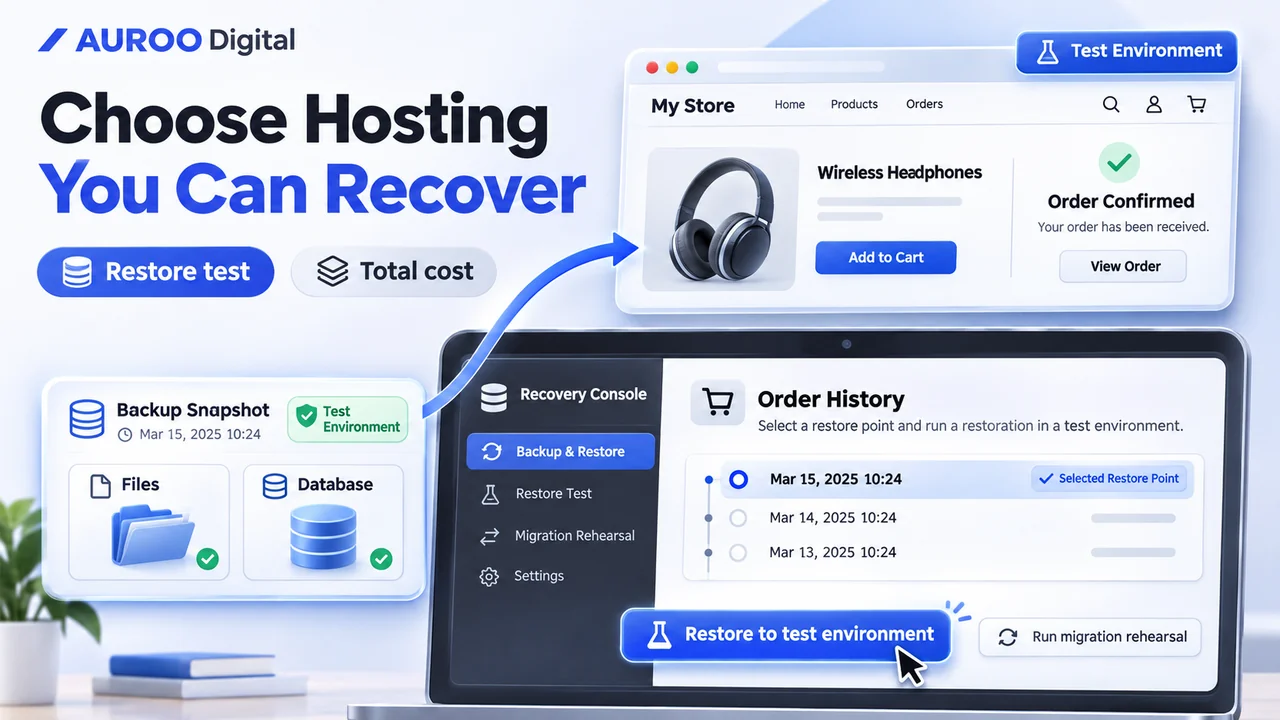
Make the completion event depend on successful submission rather than a button click. Check that reloading does not repeatedly count one inquiry. Preserve useful attribution without exposing personal information in analytics URLs. Identify backup and recovery owners, a launch window and rollback conditions. After launch, prioritize core availability, inquiry delivery, errors and indexing changes. Log fixes with their severity and retest the original customer task.
Implementation checklist
- Keep acceptance records for each template and priority language.
- Complete a mobile buying and inquiry journey.
- Verify important URLs, indexing and language links.
- Confirm form success, email delivery and CRM records.
- Assign measurement, recovery and monitoring responsibilities.
Frequently asked questions
Must every performance score be perfect before launch?
No. Prioritize failures blocking access and inquiries, document performance work and observe actual user experience.
Is a recorded backend submission enough?
Also verify delivery to the responsible team, a working reply route, complete fields and the correct success message.
Sources checked on November 5, 2026. The practical workflow and fictional examples are AUROO Digital editorial guidance.